Accurate, even in Bulgarian
A new-generation speech engine recognises 60+ languages, understands Bulgarian mixed with English, adds punctuation, and learns your names and terms from your dictionary.
New · Desktop app for Windows and Mac
Hold one key, talk naturally, release. Your words are typed into any app — email, Word, Slack, ChatGPT, your browser. 60+ languages, including Bulgarian, with automatic punctuation.
Hold your shortcut, speak, release — in an AI chat, a document, an email and a video call.
A new-generation speech engine recognises 60+ languages, understands Bulgarian mixed with English, adds punctuation, and learns your names and terms from your dictionary.
Speech is recognised live as you talk, so the text is ready the moment you release the key. No waiting for an upload.
A small installer (under 10 MB). SpryDictation sits in the tray, uses no microphone until you press the key, and shows only a slim bar while you speak.
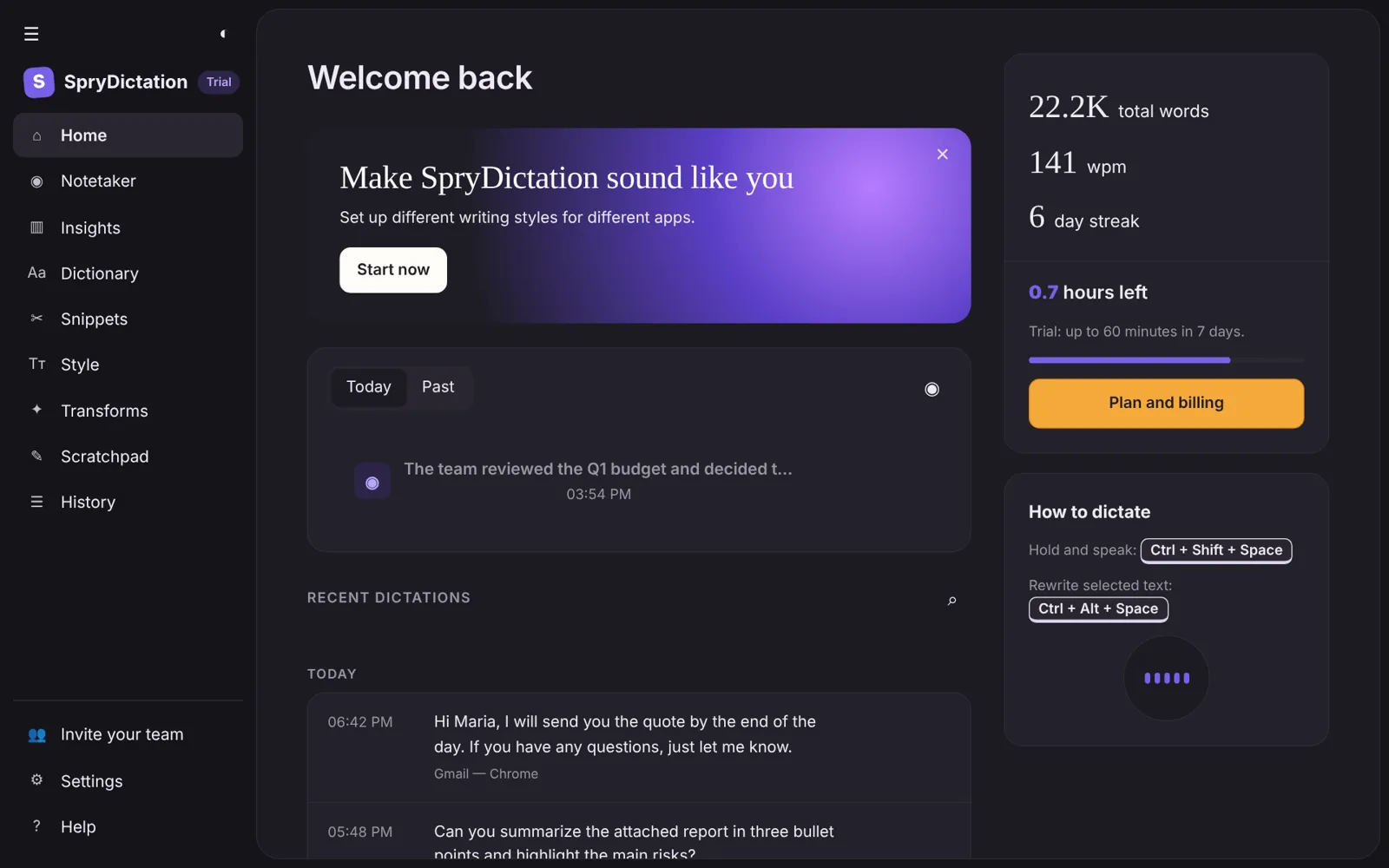
Hold the shortcut, speak, release. The text is pasted at your cursor and your clipboard is restored. The shortcuts are fully customizable — pick any key or combination.
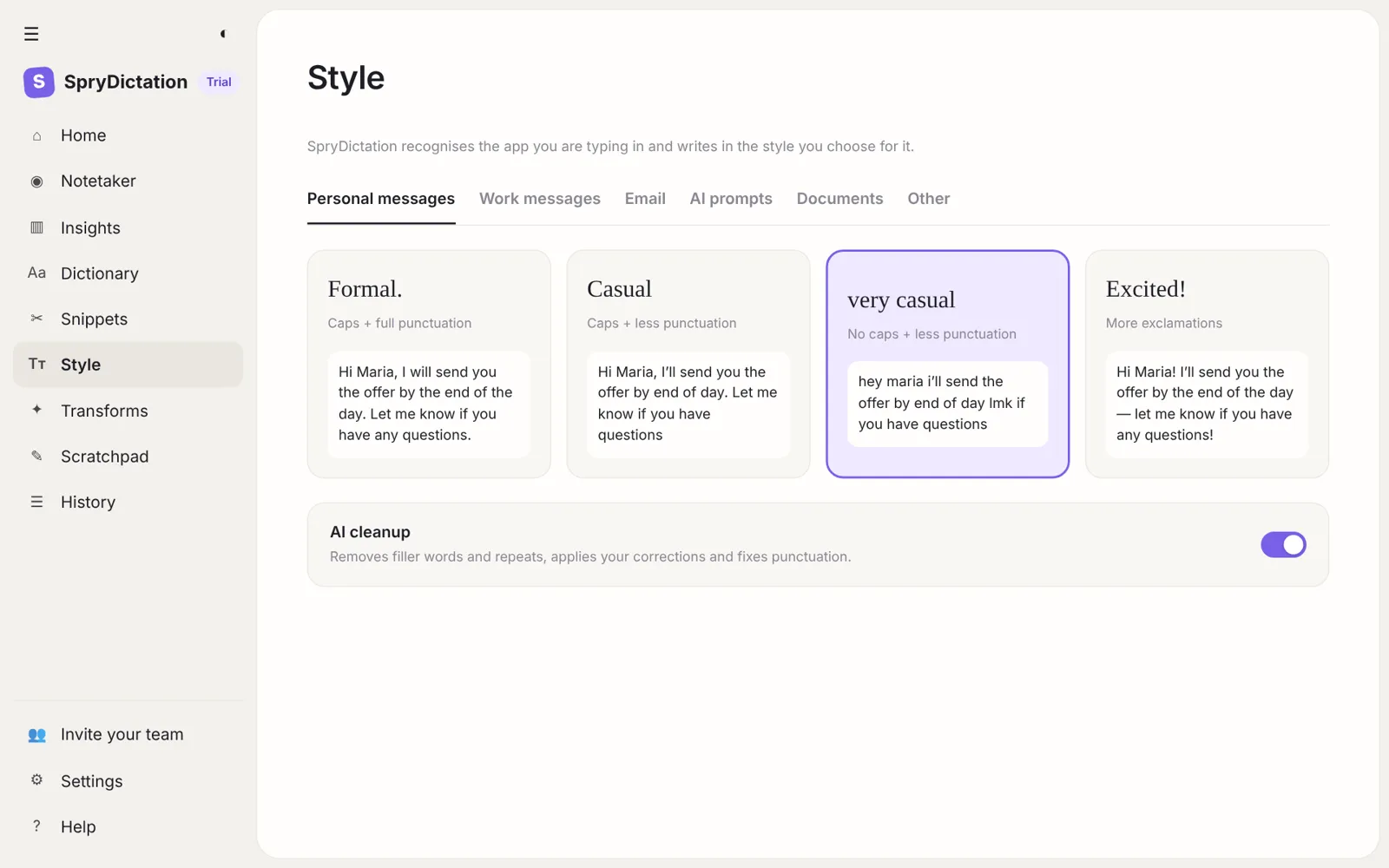
Grammar, punctuation and spelling are corrected in every language, with no extra account or subscription. Filler words, repeats and false starts are removed, with a different style for email, chats and AI prompts.
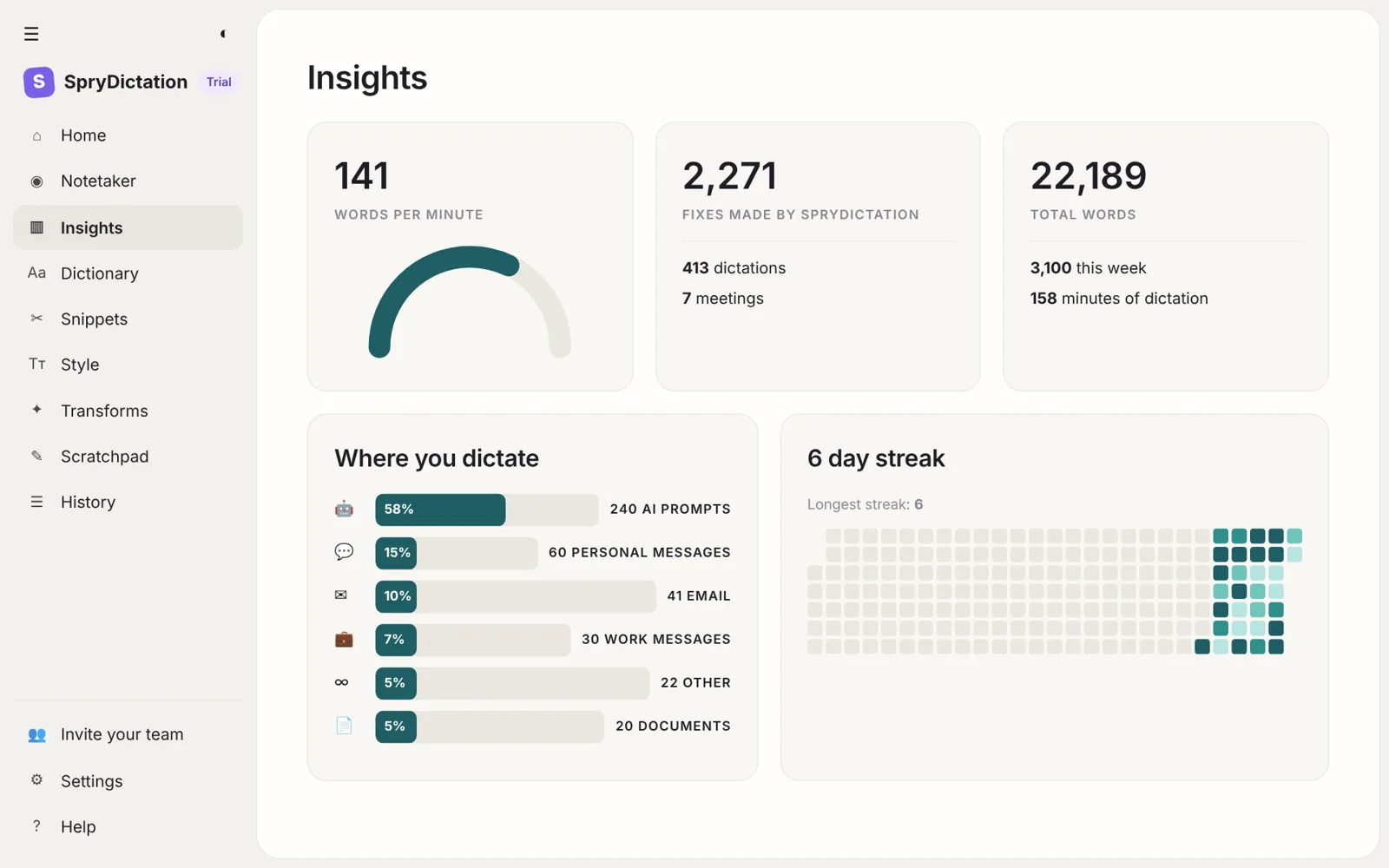
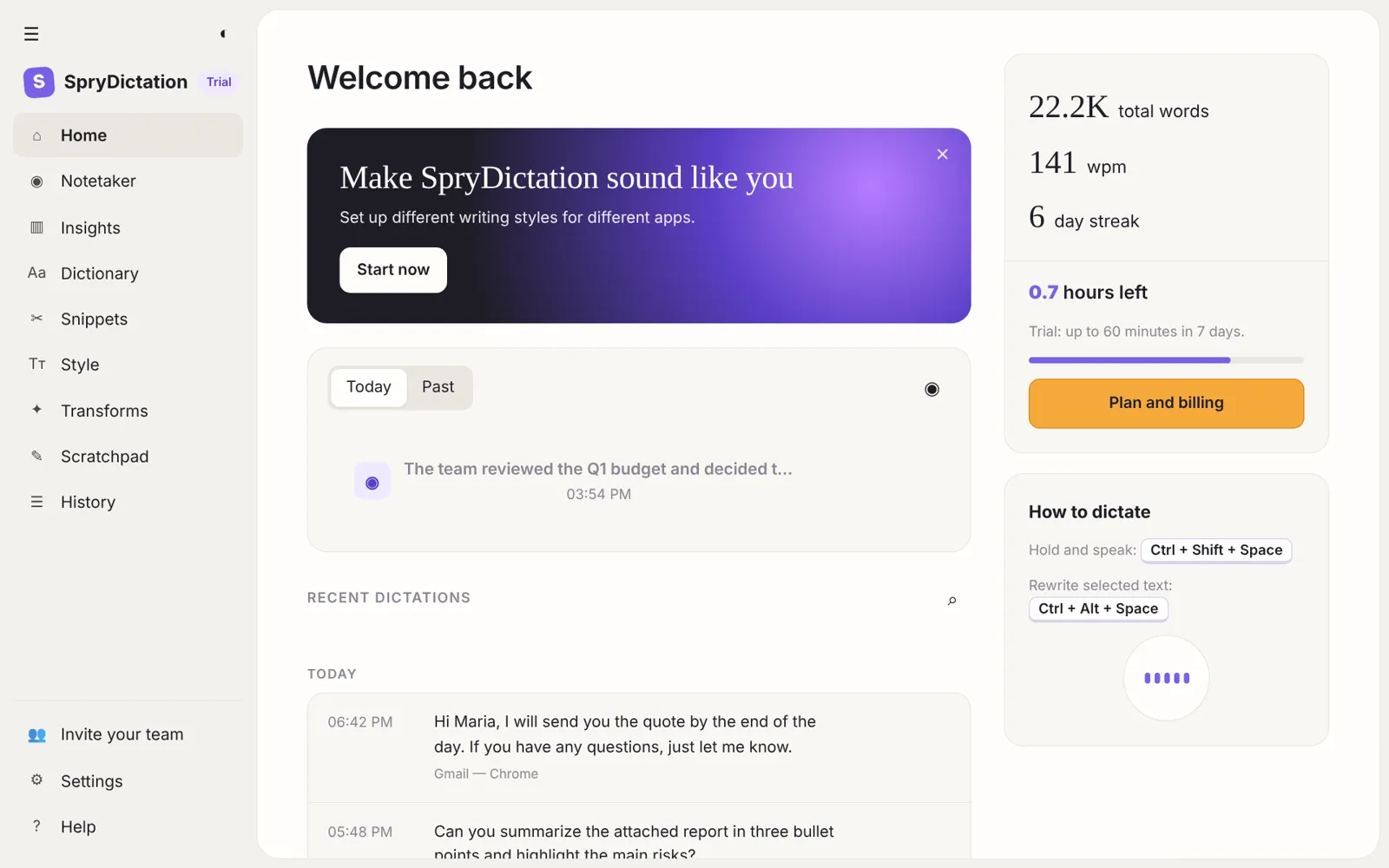
Every dictation is saved on your computer. Copy any past text with one click.
Turn on translation and SpryDictation types what you say in any of 17 languages — speak Bulgarian, get English in your email or chat.
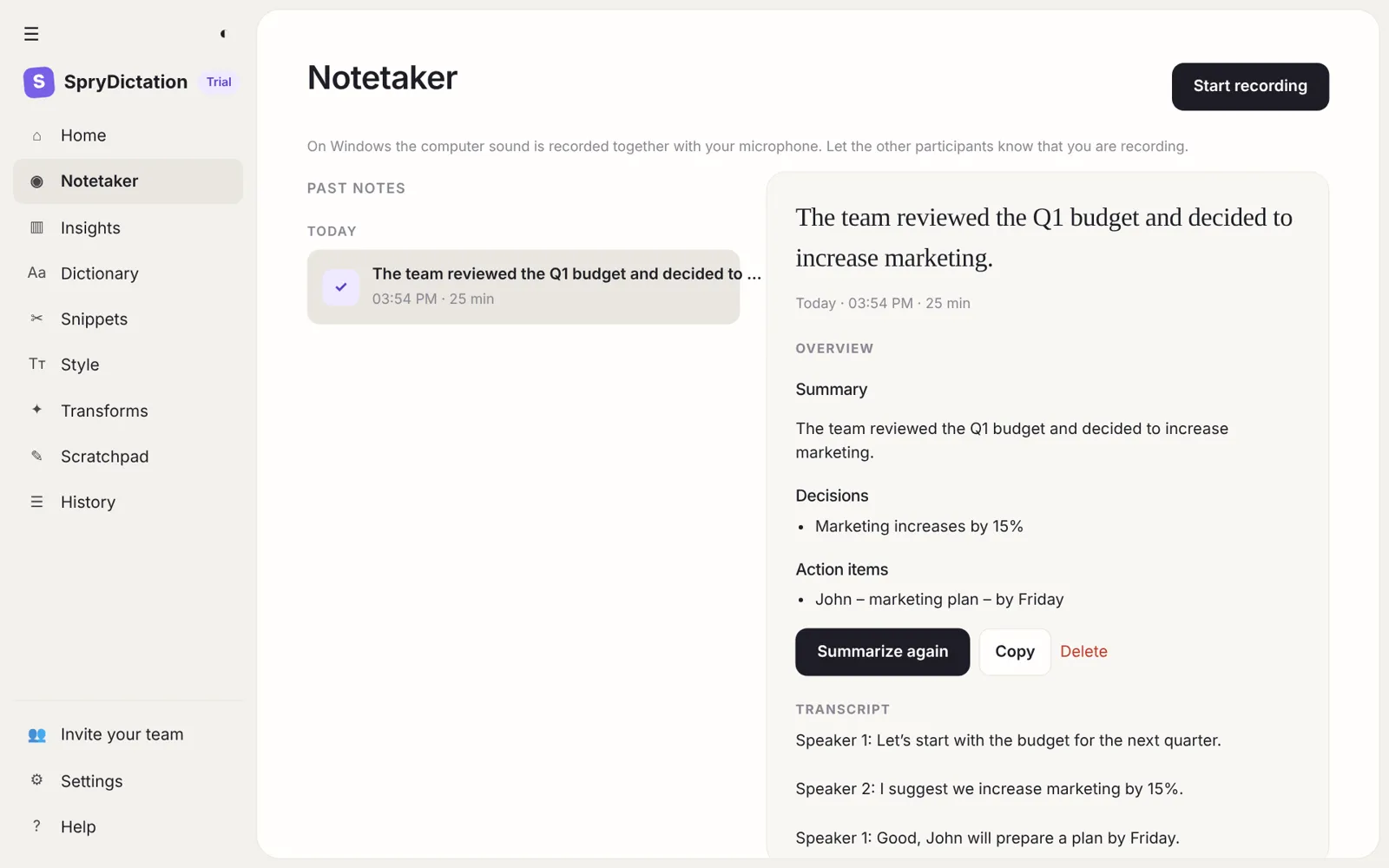
Transcribe online calls and meetings, with speakers, a summary, decisions and action items.
Only your voice is sent for transcription — never your screen. History stays on your device.
If the connection drops, your recording is saved on your computer and turned into text as soon as you are back online. Your plan keeps working until its paid-until date.
SpryDictation is new and not yet code-signed, so your computer shows a warning the first time. The files are safe — you can check their SHA-256 below.
What your computer needs to run SpryDictation.
SpryDictation for iPhone and Android is in development. It is not available yet — the details below are our target, not a promise of a date.
Planned: iOS 17 or later
Planned: Android 10 or later
Both apps let you dictate into any program. Here is where SpryDictation is different — compared using Wispr Flow’s own published prices and plans.
SpryDictation is €11.99 a month in total. Wispr Flow Pro is $15 per user per month on monthly billing.
SpryDictation Business is €39.99 a month for up to 5 people with 200 shared hours. With Wispr Flow Pro, five people on monthly billing cost 5 × $15.
Notetaker with AI summaries, decisions and action items is part of every SpryDictation plan, counted in the same hours.
The app speaks Bulgarian, English, Russian, French, German, Spanish, Italian, Turkish and Greek, and recognises speech in 60+ languages — including mixed Bulgarian and English.
SpryDictation sends only your voice for transcription. It never captures your screen. History, dictionary and notes stay on your computer.
The Windows installer is under 3 MB. Until you press the shortcut, the app does not use the microphone and sends nothing.
Support by email from the EditSpry team, in Bulgarian and English.
Turn on translation and every dictation is typed in any of 17 languages. With Wispr Flow you translate on request, by selecting text and using Command Mode.
| SSpryDictation | Wispr Flow | |
|---|---|---|
| Price for one person, monthly billing | €11.99 | $15 per user |
| Team of 5, monthly billing | €39.99 (200 h shared) | 5 × $15 = $75 (Pro) |
| Free option | 7-day trial (up to 60 min) | Free plan, 2,000 words a week |
| Automatic translation of what you say | Yes — into 17 languages, as you dictate | No — only by rewriting selected text on request |
Wispr Flow figures are from its official pricing and help pages, checked on 19 November 2026. Prices can change — check their site before deciding. Wispr Flow is a trademark of its owner; SpryDictation is not affiliated with it.